

Find any document. Fast.
Type a model number. See what is published, which revision it is on, and where it came from, across 474 manufacturers.
Name any manufacturer and product. Get back the submittal documents you need, sourced, checked and cited, inside the assistant you already use.
Watch the demo 0:54Manufacturer documents on file from





















See it work
One request, start to finish: the SDS and technical data for 3M Fire Barrier Sealant IC 15WB+. The waits are sped up.
Type a model number. See what is published, which revision it is on, and where it came from, across 474 manufacturers.
Name the manufacturer and the model. Link pulls what the library holds, sources what it does not, and binds one PDF.
Every set of submittal documents opens on a manifest: each document, its source, its date, and whether a person has checked it.
Solutions
Name the products in your division, and Link brings back the documents each one needs. Pick a trade to see what comes back.

Closers, hinges, exit devices and the warranty for each. Name the hardware set and Link brings back the product data, the safety data sheets and the warranties, ready to submit. The keying schedule stays yours.

Paint systems, ceiling panels, resilient flooring. The data sheets and safety data sheets for each, plus a list of the physical samples you still have to ship. One request per section.

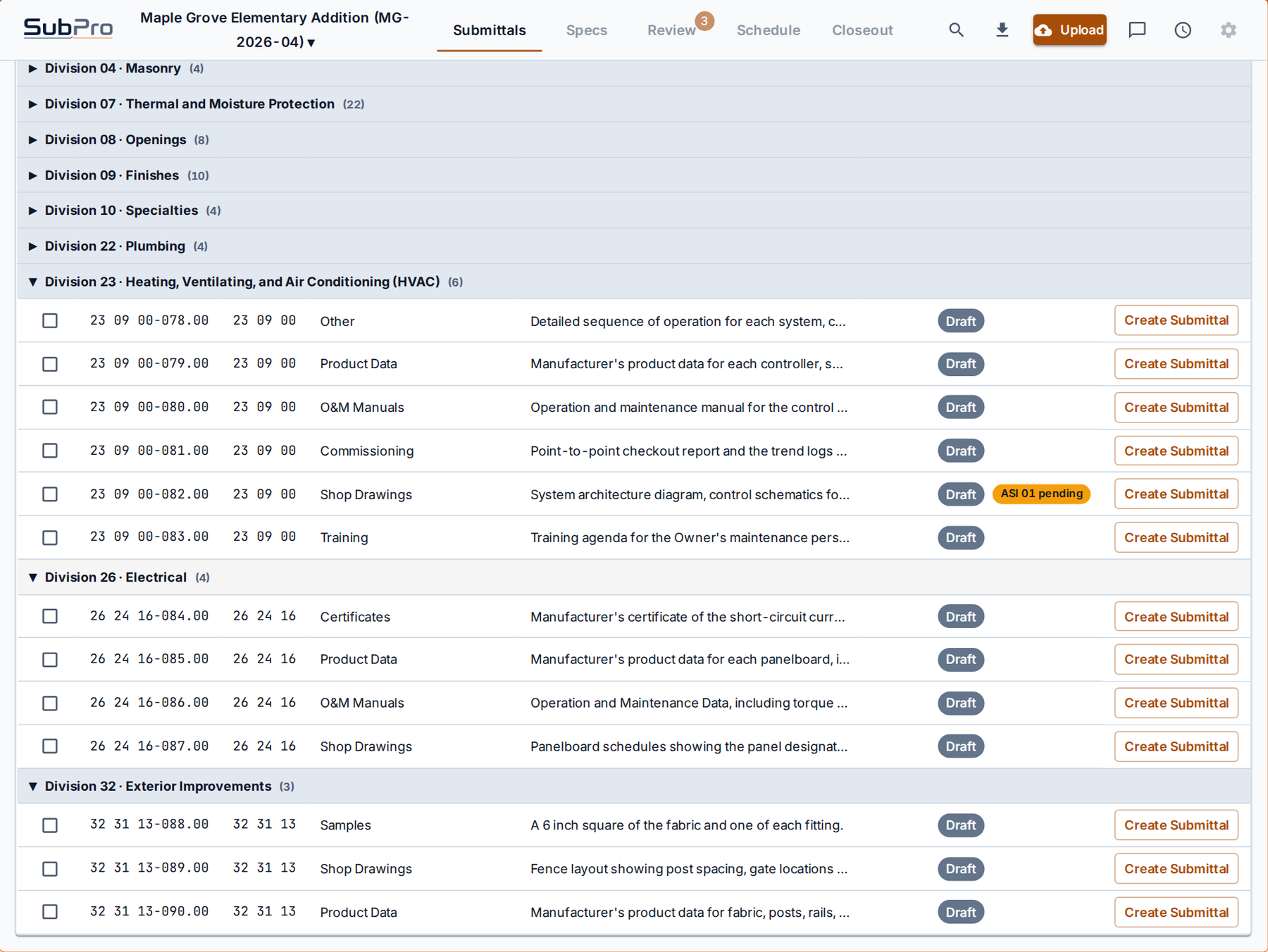
Controllers, terminal units, and the operation and maintenance manuals nobody can find at closeout. Link sources them now and files each one with its address, so they are there when the owner asks.

Panelboards, transfer switches, and the short circuit certificates the engineer always asks for. Each one comes back with its revision date.

Fixtures, carriers, valves and the certifications behind them. Link returns the product data and the listings for each model you name.

Admixtures, curing compounds, reinforcement accessories. Product data and safety data sheets for each named product, with the mix design and the mill certificates left to your supplier, and named as such.
Security
Link holds no project data. Your assistant receives document metadata and links, never document contents, and every set of submittal documents sits behind a link that expires. A person checks every document before it enters the library.
Security detailsSubPro is the submittal intelligence system: it reads the spec book, builds the submittals, and tracks them from bid to closeout. Link is that same engine, reachable from a chat. Founded by a construction professional who did submittals by hand for years, and built so nobody has to again.
Learn about SubProSubmittal stories
Three requests, the way they run inside the assistant. What comes back, what does not, and how Link says so.
AI and assistants
Ask, build, download. Link answers your assistant with four tools: search products, list documents, build the submittal documents and download them. Lookups are instant and free. A build runs in the background and your assistant tells you when it is ready.
Teams
The Team plan puts your whole project team on one allowance of 750 submittal documents a month. Each person signs in with their own email and looks up products for free, and you can add a pack when a big job lands. A request that comes back empty never counts.
See the Team plan