
Ask how SubPro runs a submittal from the spec book to closeout, what the app does, or how to get started.
Try the SubPro app.
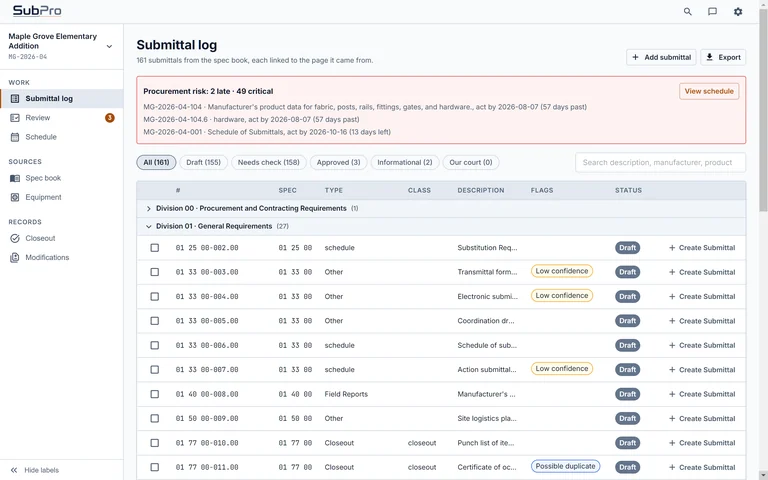
The real app, running in your browser on a sample project. Take the guided tour, or click through the log, the source pages, the submittal packages, the reviews and closeout on your own. Nothing you do here leaves the page.
Guided tour of the SubPro app
Explore the SubPro app on your own
Loading the sample project.
To demo the SubPro app open from a PC or Mac.
Your own job
Then run it on one of your own spec books.
Book a demo and bring a project manual. You see the product list, the drafted log, the flagged rows and one sample submittal package from your own book, and then you decide.
The spec book you upload is deleted by the time your deliverables are delivered. Nothing you send is used to train an AI model.