The log tools stop at the list
AutoSpecs drafts the register and publishes it. Procore builds the log and routes it. Neither one goes looking for a cut sheet or puts anything together, so the list is what you get.
 Book a fit call
These six products stop in four different places. This page sorts Autodesk AutoSpecs, Procore Submittals, Bluebeam, Submittal.com, BuildSync and SubPro by what you actually have in your hands when each one is done.
The question is what each product gives you when it's done. There are four answers out there, and if you buy the wrong one you end up with good software and the same amount of work.
We checked each vendor's own documentation on 20 September 2026. The rows only cover what a product does, and they don't rate how well it does it.
| The work | Autodesk AutoSpecs | Procore Submittals | Bluebeam | Submittal.com | BuildSync | SubPro |
|---|---|---|---|---|---|---|
| Reads the project manual | Yes, drafts the log | Yes, through Submittal Builder | No log generation. Max AI reviews drawings, not the book | Semi automated, their word. You do the takeoff | Yes, for its equipment scope | Yes, every division |
| Sources manufacturer product data | Extracts product names from spec Part 2 only | You supply the documents | No | Yes, the BuildSite product database | Yes, a database of compliant products | Yes, matched and cited to the spec page |
| Assembles the submittal package | No | You attach what you built | Combines and organizes PDFs. No submittal workflow | Yes | Yes, mechanical, electrical and plumbing equipment | Yes, every division |
| Sends it and records the response | Publishes the log into a platform | Yes, this is the product | Studio Sessions for review, log exports | Yes, submit and iterate | Not stated. Procore carries the routing | Yes. Days out on every waiting row |
| Compares addenda and revisions | Yes, version compare plus addendum append or replace | Yes, spec revisions overlay plus submittal revisions | Compare and Overlay from Core. AI version at Max | Compares package versions. Addenda not stated | Yes, drawing revision comparison | Yes, changed rows point at the change |
| Schedule and lead times | Submittal schedule report; dates live in Forma Build | Lead time, required on site date, back calculated | Not stated | Not stated | Not stated | Yes. Submit by, approval by, need on site |
| Closeout and O&M | Flags closeout submittals; turnover is Pype Closeout | Yes, handover via Asset Management | Not stated | Yes, Closeout Assembler | Not stated | Yes, from the record the job already made |
| Built for | General contractors, subcontractors, owners | General contractor and specialty contractor | Architects, engineers, GCs, subs, estimators, MEP | GC, owner, trade contractor, supplier, small business | Subcontractor, general contractor and engineer | Trade contractor or general contractor |
Several products can say yes to one of these rows. But the first three rows together are the whole job: read the project manual, go find the manufacturer documents and build the submittal package. SubPro does all three in every division.
AutoSpecs drafts the register and publishes it. Procore builds the log and routes it. Neither one goes looking for a cut sheet or puts anything together, so the list is what you get.
Submittal.com has a real library and real assembly behind it, and they say plainly that the log is semi automated and you take off the project manual yourself. So you still do the reading.
BuildSync reads, finds the products and assembles, which is the same idea as SubPro. Its published examples are mostly mechanical, electrical and plumbing equipment, so check its coverage for Division 08 door hardware and Division 09 finishes before you count on it there.
It reads every division of the project manual for your scope, pulls the manufacturer documents and matches them to the row, and puts the submittal package together behind your transmittal as one PDF.
A table can only say whether a product does something. These are the things that decide whether what you get is good enough to send.
When SubPro can tie a requirement to a page, the row shows it, one click away, and when it can't, the row gets a flag, so your reviewer can check it against the book before approving the draft.
More than 500 manufacturers and over 25,000 documents are on file, and each one keeps track of where it came from. When the project manual names a manufacturer, the literature is usually already here, so you're not digging around a supplier's website for it.
If a section is ambiguous, a row might be a duplicate, the book doesn't name a manufacturer or product, or SubPro isn't sure it read a requirement right, that row comes to you flagged for a person to look at.
On a pilot, a construction PM works the flagged rows before delivery, and your team reviews the log before it goes out.
You can ask the book or the log a question in plain language and the answer comes back with the page. So you're not paging through 1,200 pages to find one thing.
The spec book you upload is deleted by the time your deliverables are delivered. Nothing you send is used to train an AI model. How we handle files is on the data handling page.
A lot of the confusion here comes from one word meaning two things. Which one you owe decides what a tool has to make for you. Most products pick one side and stay there. A few do both, SubPro included, which is why the same product works for a general contractor putting out the register and a trade contractor building what goes back.
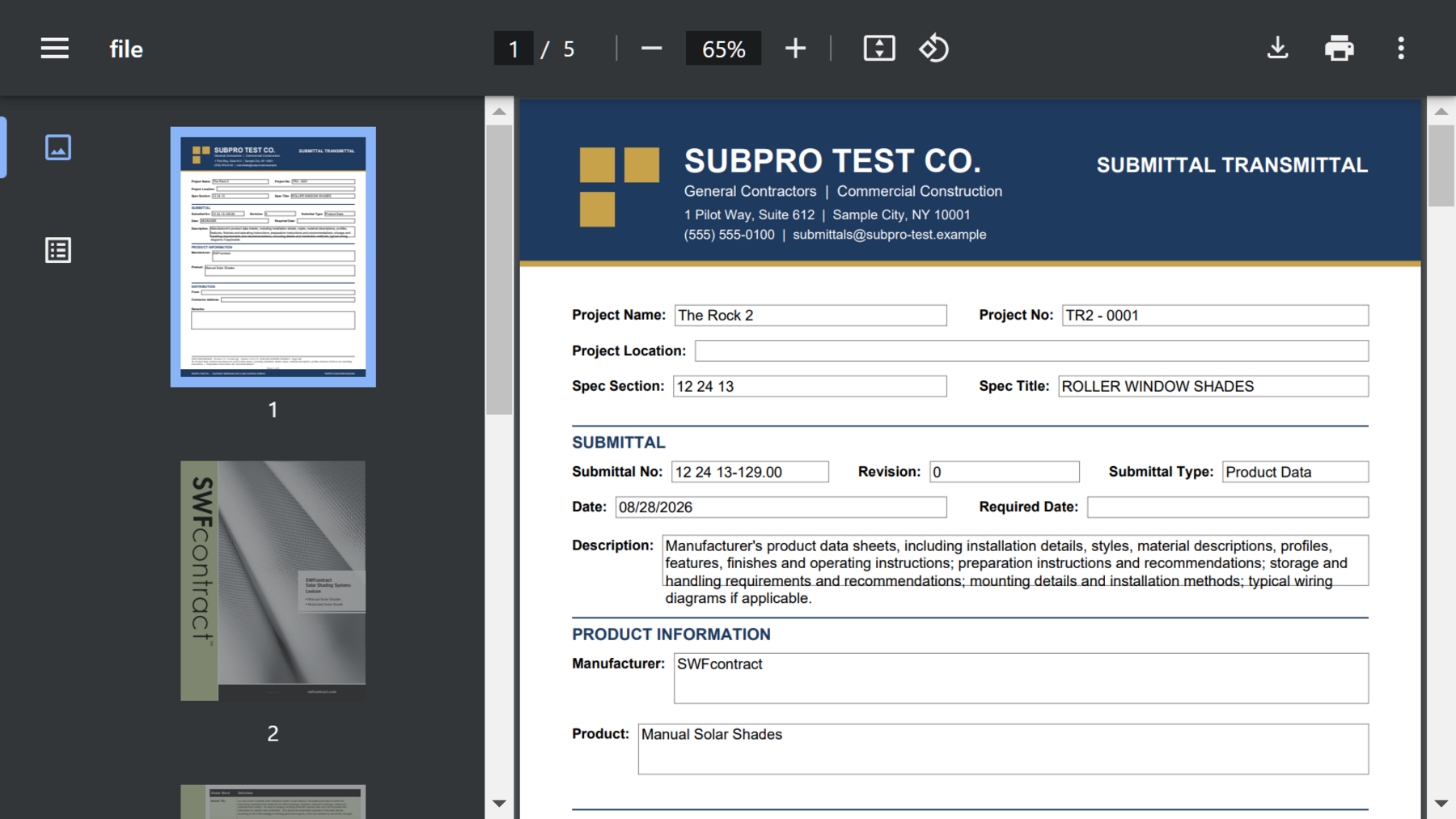
SubPro reads the project manual and builds the submittal package. Each row shows the spec page it came from, so whoever is reviewing can check it in the book. On a pilot, a construction PM works the flagged rows before delivery.
These three articles go further into the questions a table can't answer.
The products sorted by where they stop: a list, a workflow, a review or the submittal package. Money gets wasted when someone buys the first one thinking they got the fourth.
AutoSpecs drafts the register and does it well. Most people looking for an alternative don't want a different log generator. They want help with a different step of the job.
Written from the subcontractor's side. Procore tracks the submittal and shows everyone who's holding it, but it doesn't go find the product data for Division 08 for you.
Submittal.com and SubPro produce the assembled submittal package. Autodesk AutoSpecs produces the submittal log, which is the list of what is owed. Procore builds the log from spec sections, then routes and tracks it. BuildSync builds and checks, and its published examples are mostly mechanical, electrical and plumbing equipment. Which one you pick depends first on whether you owe the list or the contents.
No, they do different things. Procore is the system of record for the whole job, and it sells to specialty contractors as well as general contractors. SubPro is the contractor's own record. It reads the project manual, builds the submittal package, then sends it, records the response, counts days out, and carries revisions and closeout. Where the job runs on Procore the submittal still goes into Procore, and SubPro exports Excel so the record carries across.
The log, also called the register, lists every item the project manual requires and who owes it. The submittal package is the document you send for review: cover sheet, transmittal, and the manufacturer product data in spec order. A log tool reads the project manual, and a package tool puts the submittal package together.
AutoSpecs reads the project manual and drafts the submittal log, then publishes it into a project management platform. SubPro reads the project manual too, but it keeps going after the list. It builds the submittal packages, sends them, records the responses and carries the record through addenda and closeout. A general contractor can use either one to get the register, but only SubPro also builds what goes back.
The best way to see where a product fits on this table is to watch it run on your own project manual. You get the submittal package back with the spec pages on it and decide from there.