Rows drafted from the spec book
The requirements come grouped by section, so your team reviews a list and doesn't have to build one.
 Book a fit call
SubPro reads the project manual and drafts the log for you. The rows show the spec page they came from, the ones that need a decision come flagged, and the whole log exports to an Excel file you can edit.
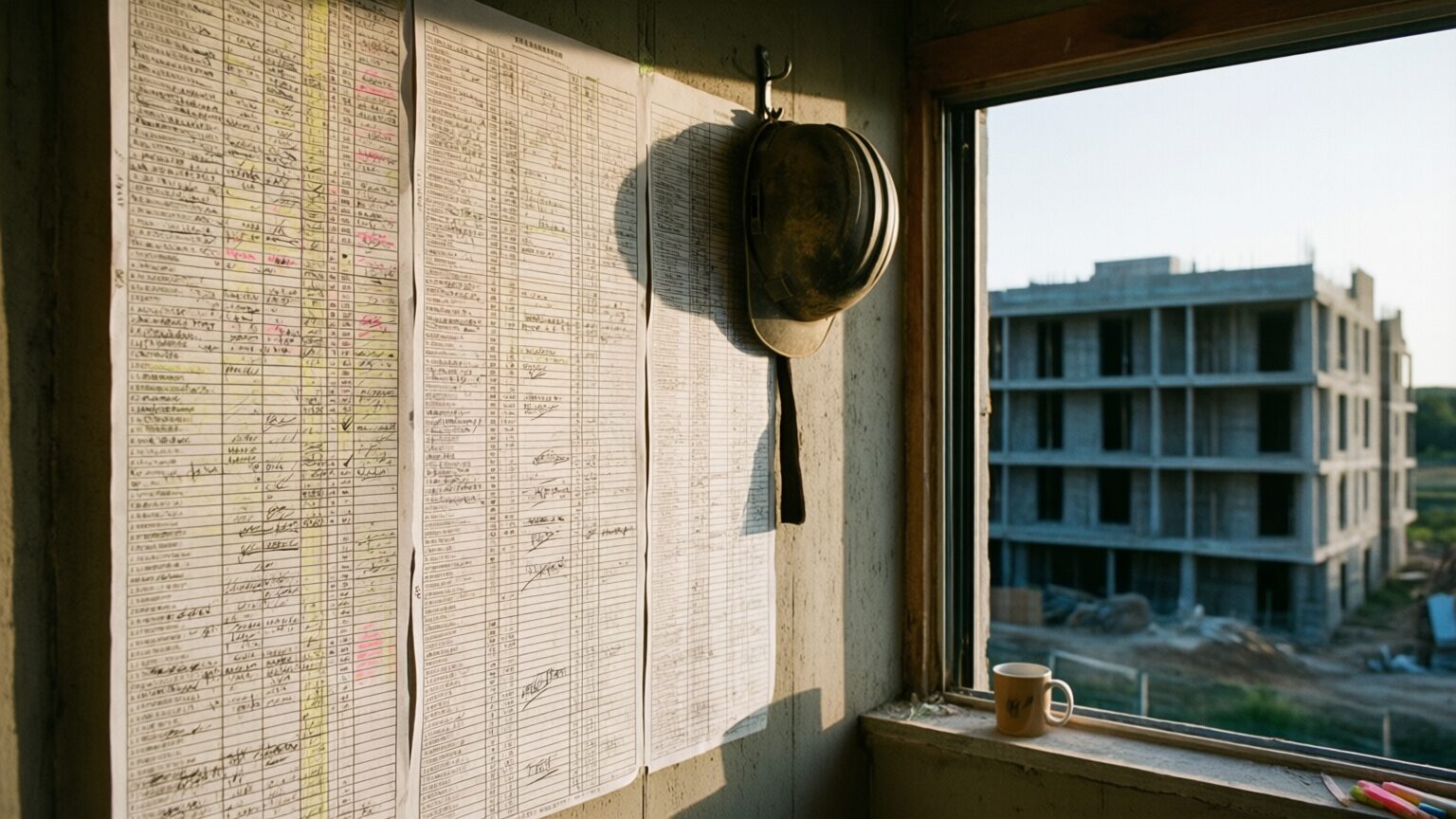
A log can look complete. The columns are neat, the section numbers look right and there are plenty of rows. Then five months in, the GC asks for the firestopping product data and there's no row for it, because the requirement was on page 412 and nobody typed it in.
When a log built by hand is missing something, nothing tells you. You can't see a row that isn't there. Submittal log software is worth having if it lets you check each row and find the gaps early, while they're still easy to fix.

The requirements come grouped by section, so your team reviews a list and doesn't have to build one.
When someone asks why a row is there, you open the page attached to it. You don't have to go hunting through the manual again.
Clean it up and export it to Excel, and your tracker starts out with rows in it.
| Column | What it holds |
|---|---|
| Number | The submittal number, so everybody on the phone is talking about the same item. |
| Section and title | Like Section 08 71 00 Door Hardware, so anyone can tell which trade it belongs to. |
| Type | Product data, shop drawings, samples or test reports. Each one gets handled differently. |
| Responsible party | Who's responsible for getting it in. |
| Source page | The page in the project manual that created the row, on each row SubPro could tie to a page. Rows it could not tie to one carry a no page reference flag. |
| Status and notes | Where the row is and what was decided about it. |
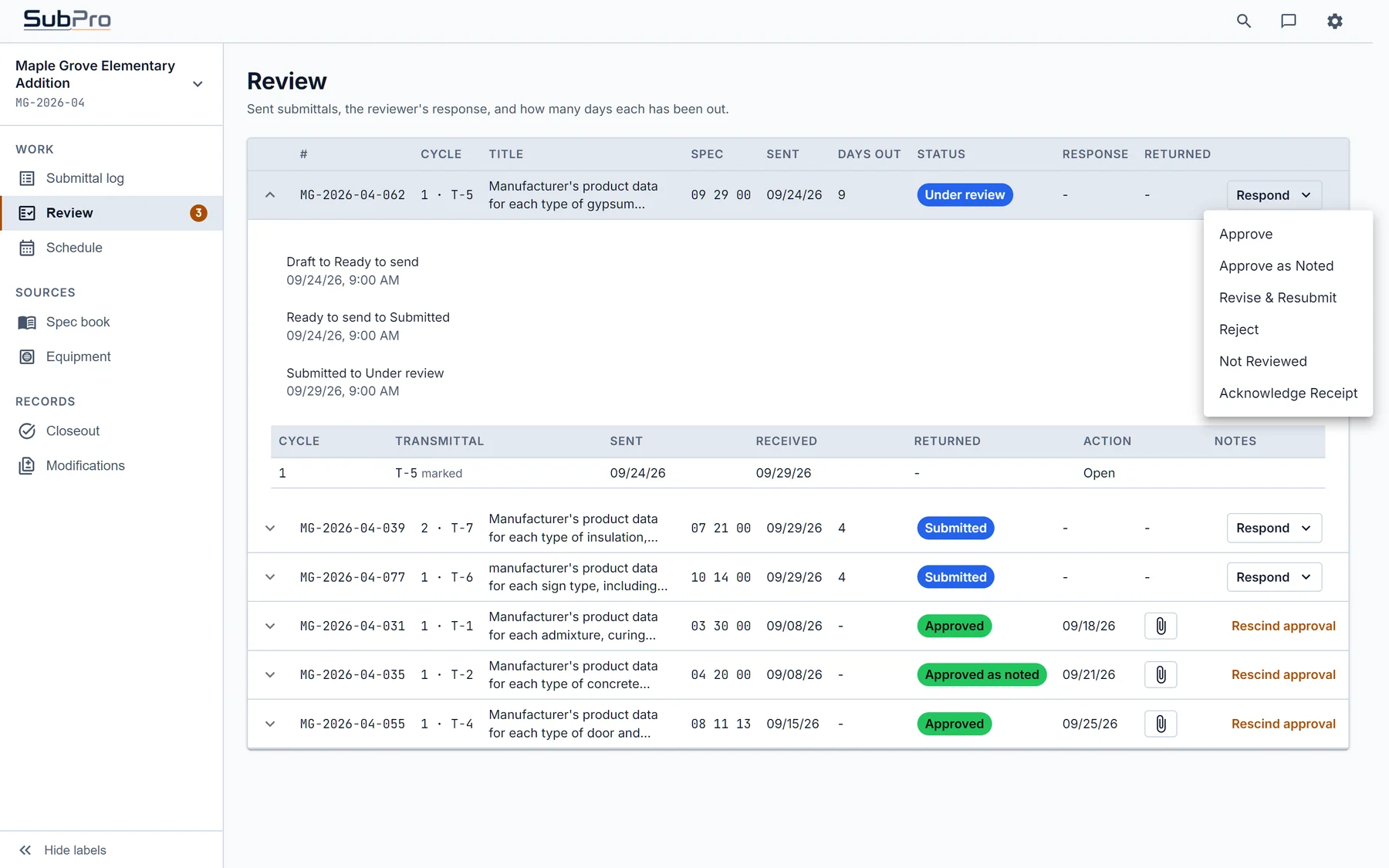
SubPro puts a link on each drafted row to the page it was read from. If a row looks off, you open that page and check it.
In a log typed by hand, a wrong row can sit there until it causes a problem in the field. With the page on the row, your reviewer catches it at the desk. Rows SubPro wasn't sure about come flagged for a person.

Section 08 71 00 Door Hardware is a long one, with hinges, closers and keying language, and it has one of the longest submittals lists in the book. It's where logs typed by hand start missing rows.
A lot of submittal logs get built at kickoff and then fall behind while the revisions pile up in somebody's inbox. In SubPro the status changes on the row as it gets reviewed, sent, returned and revised, so the log keeps up with the work.
You get the rows for your scope without pulling someone off estimating to type them.
You review a draft with the pages on it and spend the time you get back on coordination.
The source pages and statuses are already on the rows, so you're not stuck formatting the log.
Run the project manual through SubPro and compare the draft against whatever log the last team left you.
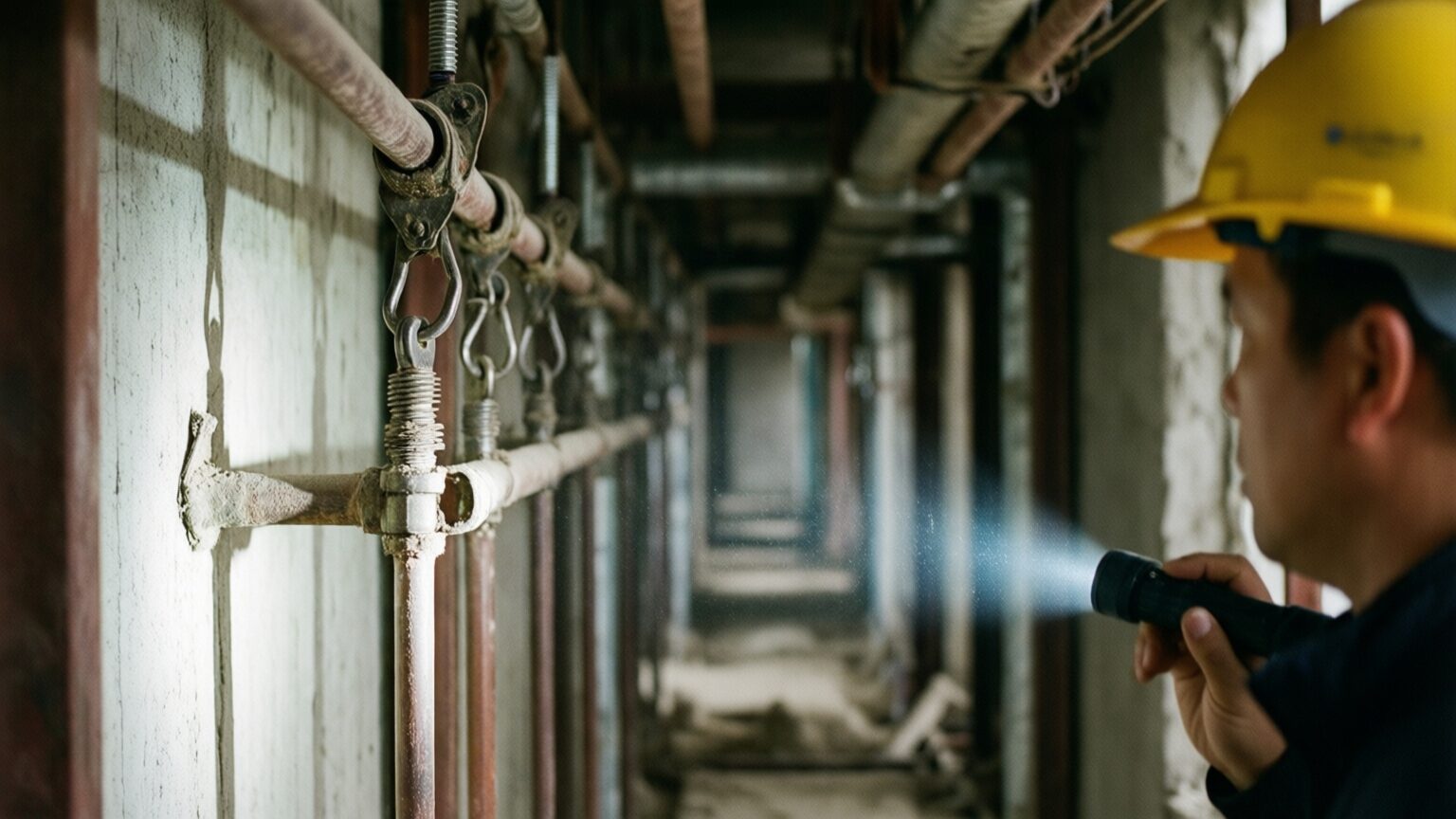
Section 23 05 29 Hangers and Supports for HVAC Piping and Equipment reads like boilerplate, so it gets skimmed, and then a seismic bracing requirement comes up at inspection with no submittal behind it. The draft has rows for hanger types, channel framing and attachment hardware, it keeps the bracing row that a quick skim would miss, and it flags the support layout drawings for coordination.
It probably does on smaller jobs. It gets harder on a big building with three addenda, because the more pages there are, the easier it is to miss something when you're typing it by hand.
That's fair, and you should be suspicious of anything you can't check. Here you click the page on the row and read the paragraph, and you'll see right away if the row is wrong. The spec book you upload is deleted when processing finishes. The data handling page has the details.
It should find the submittal requirements in the project manual, keep the source page on the row, flag the rows that need a decision and keep the status and history up to date after kickoff.
It's an XLSX you can edit, with one row per requirement. Each row has the section, the submittal type, the responsible party, the source page where SubPro could tie the row to one, the review status and notes. You can sort it, filter it and paste it into whatever tracker your GC uses.
Yes. The draft is just where you start. Your team edits rows, adds or removes requirements, and the final log is yours.
The rows it touches update as revisions, and what they said before stays in the row's history. So you can look up what changed, when it changed and what the log said before.
How SubPro drafts the log from the spec book.
The register is the same list by another name, and SubPro drafts a section register with every log.
The files you get, in the formats your GC and your closeout binder need.
Send us one project manual. Read the rows, click through to a few pages and see if the draft holds up on your own job.