




SubPro Book a fit call

Construction transmittal software for submittal handoff.

SubPro builds the transmittal cover and handoff files downstream of the log: a PDF per submittal package, an XLSX log, and the spec page behind every row.

Read the cover the GC reads first

Submittal 4744c-317, Section 10 28 14 Electric Hand DryersTransmittal cover, page 1 of the PDF
A SubPro transmittal cover for submittal 4744c-317, Section 10 28 14 Electric Hand Dryers, with the project, submittal type, description, manufacturer, product, and distribution fields filled in, and the product data sheet on the page behind it
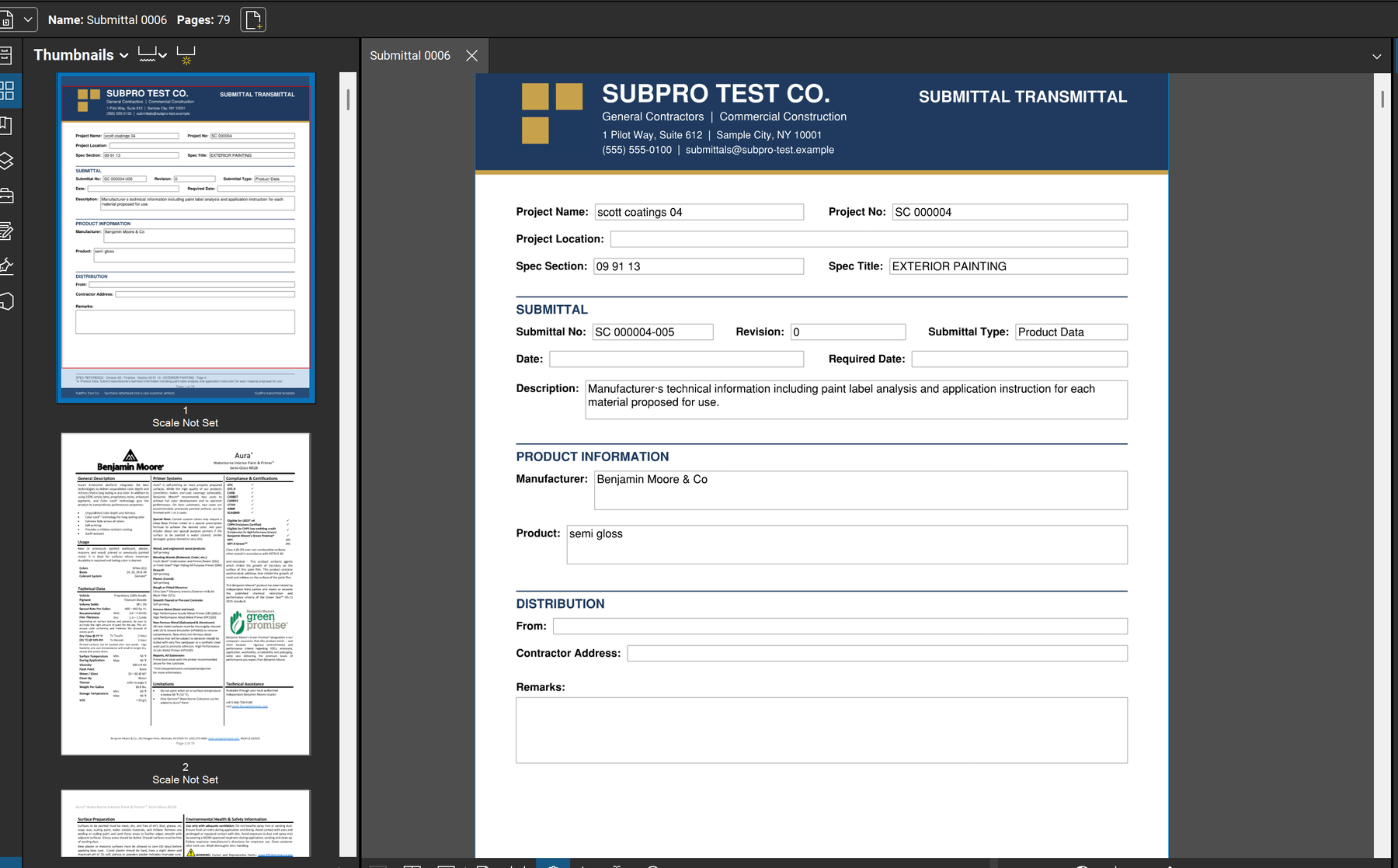
Project, section, submittal number, revision, type, description, manufacturer, product, distribution. Every field is filled from the log row, and the product data sheet is page 2 of the same PDF.

Know what the cover has to say

Watch one go out the door. The door hardware submittal for Section 08 71 00 leaves as a PDF: data sheets, hardware sets, keying schedule. On top rides a one-page cover. The PDF is the submittal. The cover is the transmittal, and it is the page everyone checks eight months later.

Field on the cover Where SubPro takes it from Why it matters later
Project name and number The project record you set up once. Sorts the PDF into the right job when a GC runs several with you.
Spec section and title The log row, which cites the page that created it. Tells the architect which section the stamp action applies to.
Submittal number and revision Assigned on the log; the revision increments on resubmittal. Separates the first pass from the Revise and Resubmit that followed it.
Type and description The submittal type and the requirement text from the row. States what the reviewer is being asked to act on.
Manufacturer and product The match confirmed at review. Names the basis for the stamp, or for the substitution request.
From, to, and date Filled at the send. The dated line that settles who had what, and when.

Send Section 08 80 00 out the door

Package the evidence

Glass and glazing product data and test reports are set behind the cover for each 08 80 00 row. Glazing units, sealants, and the performance data the section names.

Write the cover

The transmittal names the project, the glazing items enclosed, the manufacturer, and the distribution. It is generated from the row, so it never lists an item the PDF lacks.

Keep it traceable

The cover, the product pages, and the log row stay connected. Open the row and the spec page opens with it. Open the PDF and the cover matches the row.

Export and send

Your team exports the PDF and the XLSX log, reads the set, and sends the transmittal. The send date lands on the row, and closeout inherits it.

Construction transmittal software FAQ

What is a construction transmittal, and how is it different from a submittal?

The submittal is the thing under review: the data sheet, the drawing, the sample. The transmittal is the record that it moved: which job, what is enclosed, who received it, and when. Content on one side, delivery on the other.

How does SubPro build the transmittal?

SubPro writes the cover from the submittal package it fronts and ties it to the log row and the spec page behind that row. It then exports the PDF and an editable XLSX log, so the handoff is a traceable set instead of a loose folder.

Can I edit the handoff files SubPro produces?

Yes. The log and schedule export as XLSX and the submittal package as PDF. Your team adjusts the cover, edits rows, and finishes the handoff in the tools it already uses.

What should be checked before the transmittal goes out?

The package contents, the spec-page references, product fit, reviewer notes, and any flagged rows. SubPro prepares the handoff. A person on your team confirms it before the GC sees it.

Send us one spec book.

Transmittals travel with submittals, and submittals come off a log. Start with one project manual and watch the cover get written from your own log rows.