Submittal package software
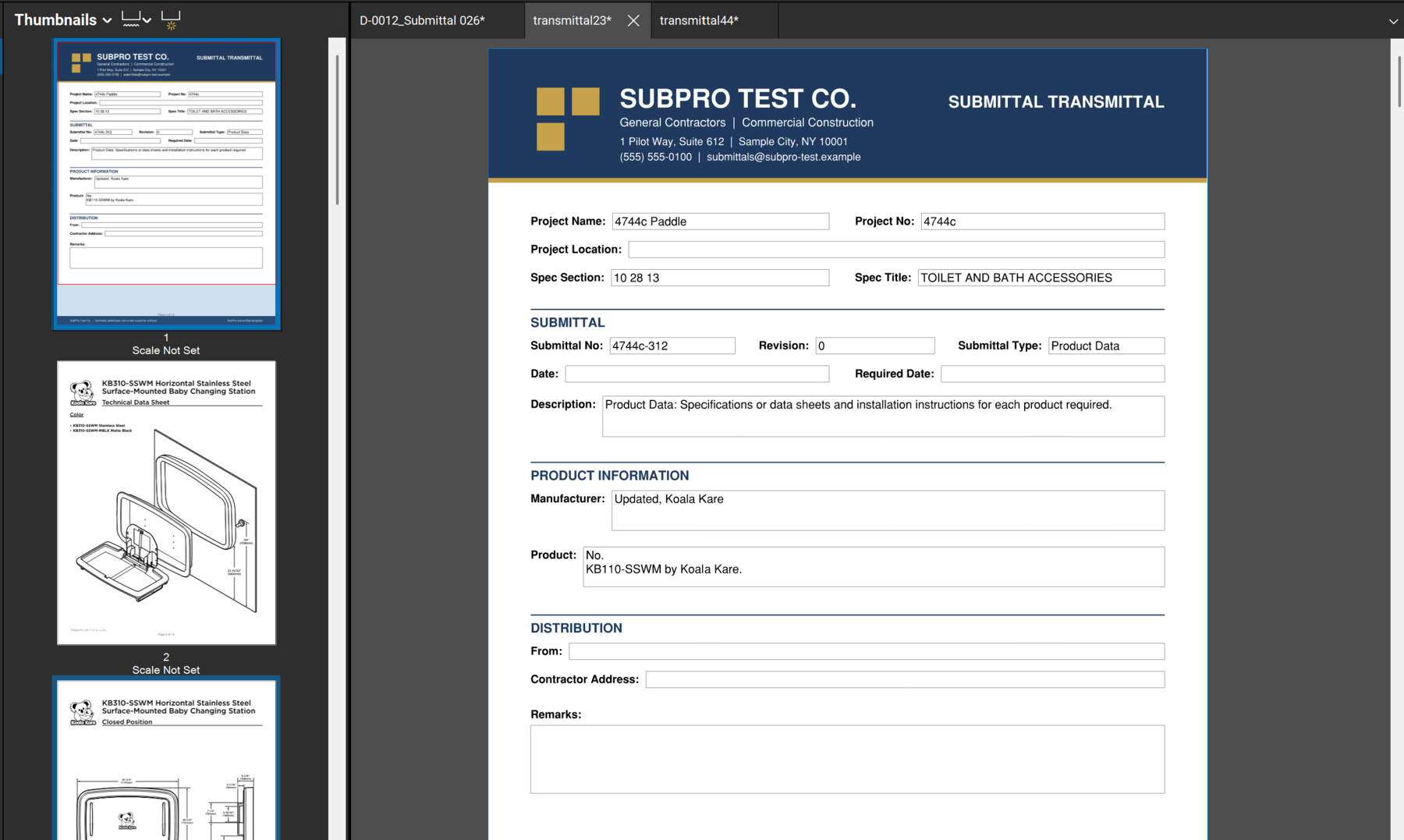
How the PDF itself is assembled behind its cover, section by section.
 Book a fit call
Not a tracker with empty rows. SubPro drafts the log from the project manual, matches manufacturer literature to each row, binds one PDF per submittal, and keeps the record through closeout.


Door hardware is submittal-heavy, and the cost of a wrong hardware set shows up at the frame. Here is the automated pass on one section, and where it stops.
| Row drafted | Drafted from | Matched from the library | Who decides |
|---|---|---|---|
| Product data, hinges, closers, exit devices | The product data paragraph in Section 08 71 00, cited by page | Data sheets for the specified hinges, closers, and exit devices | Your reviewer confirms the match and marks the row ready |
| Hardware schedule | The schedule requirement in the same section | Nothing to match. The schedule is yours to produce | Your team attaches it; the row stays open until then |
| Keying schedule | The keying paragraph, cited by page | Not matched on purpose | Flagged as an owner decision. Nobody guesses who holds a master key |
| Warranty | The warranty paragraph, cited by page | The manufacturer's warranty document where the library holds it | Your reviewer checks the term against the section and binds it |
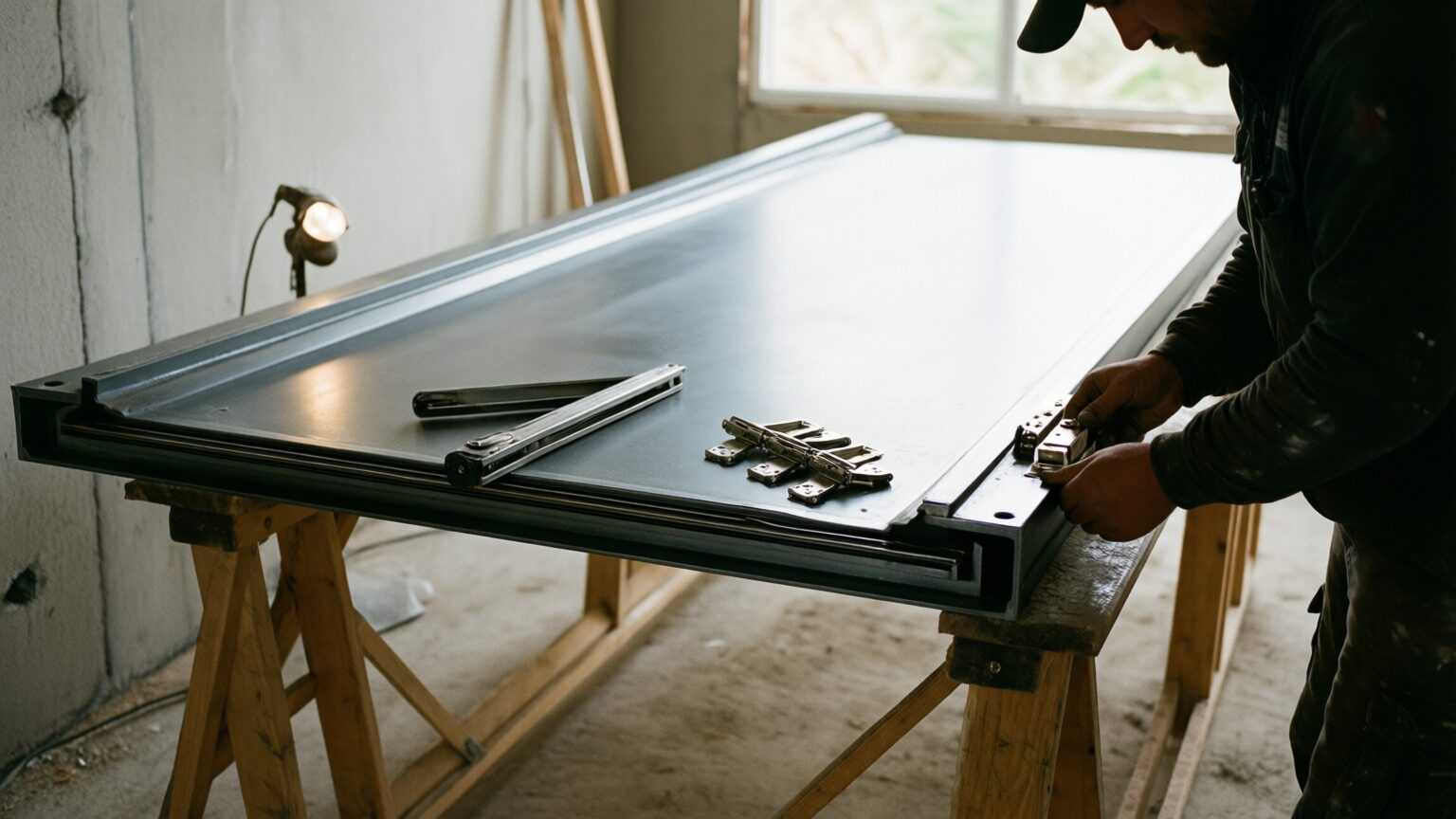
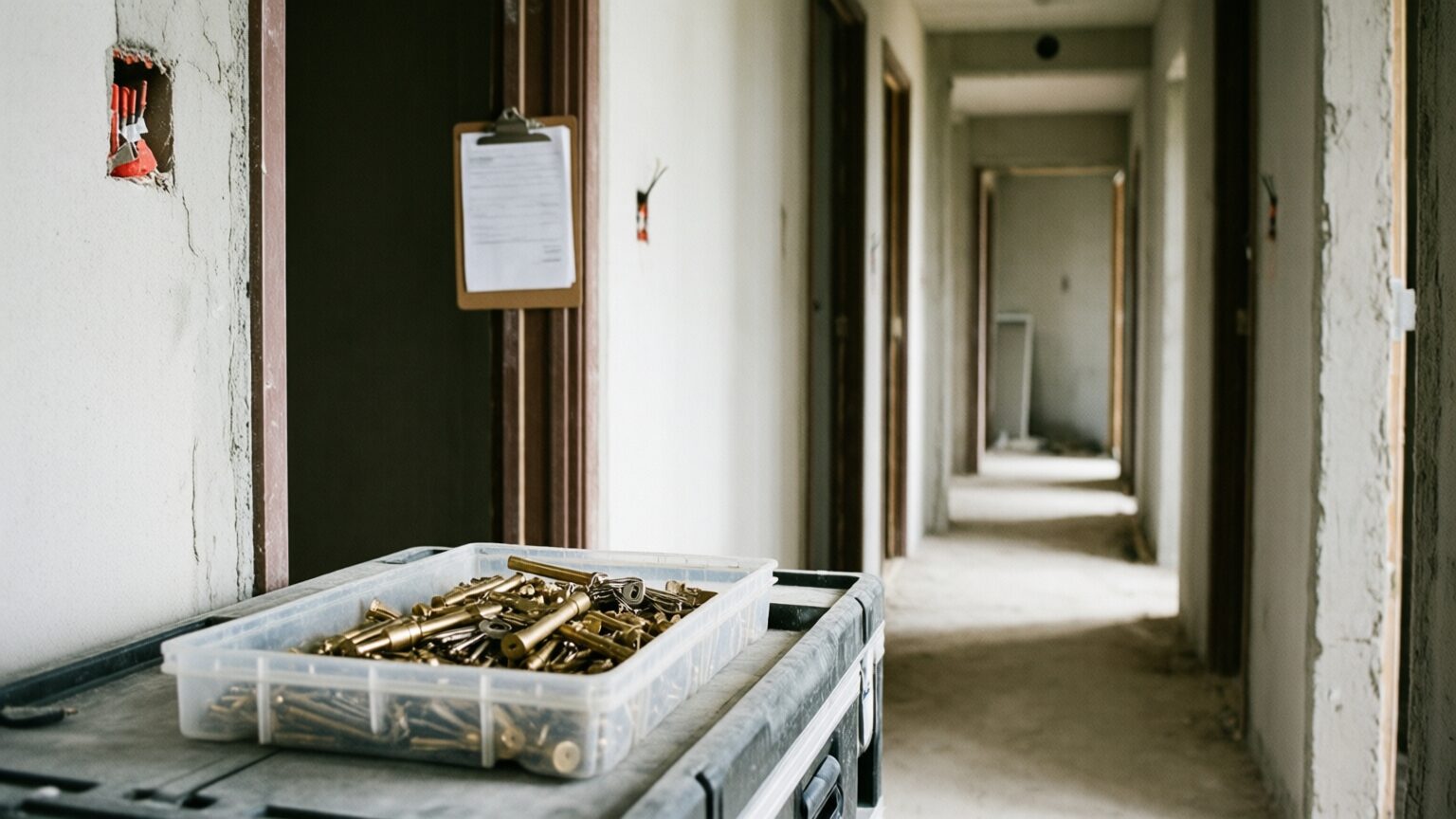
On most jobs the submittal process is a coordinator, a project manual, and several weeks of copying requirements into a spreadsheet. Then come the weeks of hunting cut sheets on manufacturer websites. None of that work needs judgment. All of it punishes a lapse in attention, usually three months later when the missing sheen schedule turns up at closeout.
SubPro takes exactly that slice: the reading, the transcribing, the hunting, the merging. What it does not take is the decision. Every drafted row shows the page it came from, and every matched document names its manufacturer and product. Every PDF waits for a person to read it before anything leaves. Your reviewer stops moving documents and goes back to reviewing.
That boundary is the design. A submittal is a representation to the design team under the contract. Software that sends those unread is not saving anyone time; it is moving the risk to the day the architect reads it. If you want the first step on your own document, a Log Build drafts the rows from your project manual.

How the PDF itself is assembled behind its cover, section by section.
The review pass: the spec page on the row, the flags, and the sign-off by a person.
The complete file inventory a finished run delivers to your team.
The assembly is done by software and the judgment stays with people. SubPro reads the project manual, drafts the log, matches manufacturer literature to each row, and binds one PDF per submittal. Your team reviews, decides, and sends.
No. SubPro builds the submittal package and hands it to your team. A person reads every one before it goes to the architect, because a submittal is a representation to the design team, not a file operation.
From a maintained library of manufacturer literature: data sheets, safety data sheets, and installation instructions, matched to the products the spec section names. You can browse it yourself in the manufacturer library.
The row says so. SubPro flags the gap for a person to fill instead of padding the submittal package to look complete. A visible gap is worth more than a page that only looks finished.
Everything on this page starts from a drafted log. Send one project manual and watch the first section go from rows to a bound PDF.